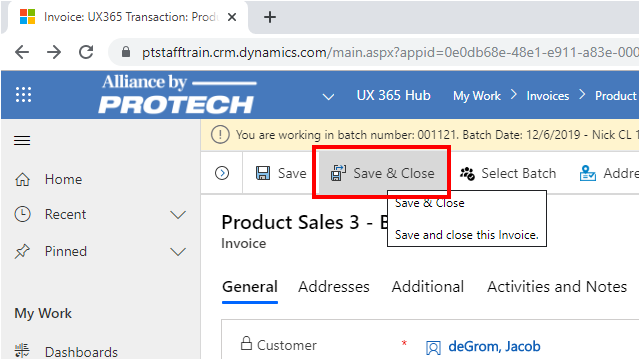
Overview: At times, you may need to cancel a check or cash payment entered on an invoice. For example, a check might be returned for Non-Sufficient Funds (NSF) from the bank, entered for the wrong amount, or the payment was applied to the wrong invoice. Regardless of the reason for canceling a check or cash payment, the process for canceling it is the same: you must enter a reversing transaction.

Canceling Invoice Check and Credit Card Payments
Menu1.4.1 Canceling a Cash or Check Payment
Open the Invoice and Click on the menu item New Transactions
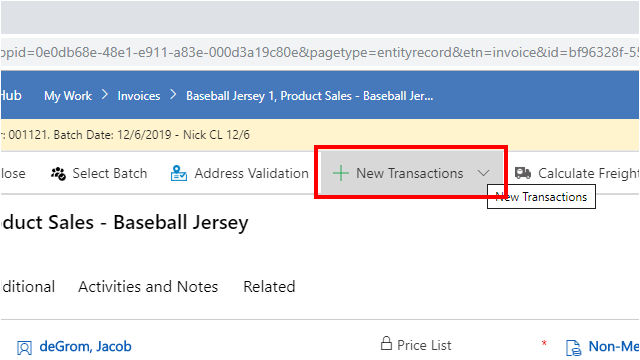
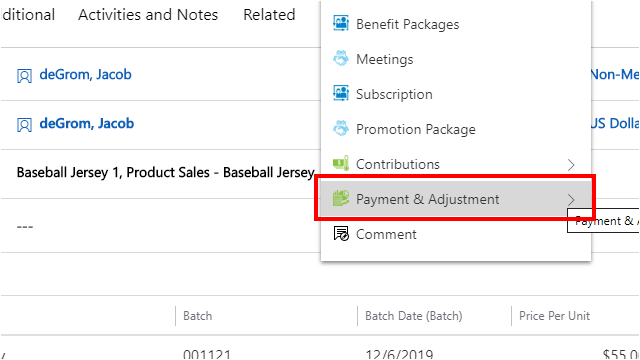
Click on the menu item Payment & Adjustment
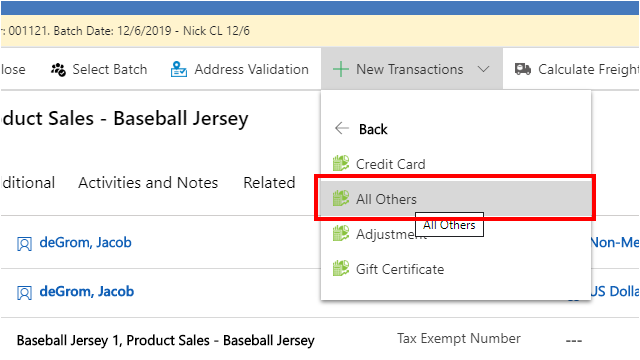
Click on the menu item All Others
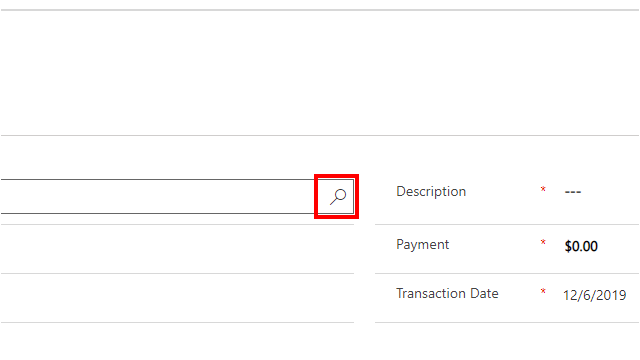
Click on the Product field look up
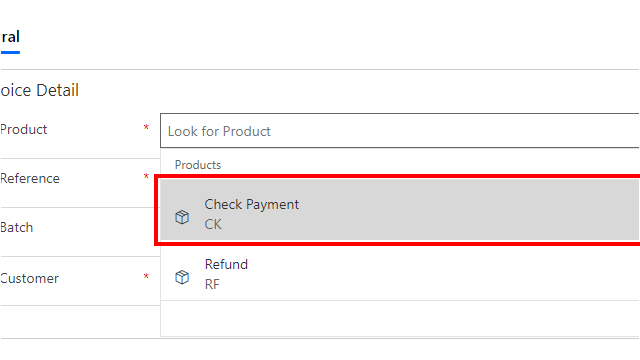
Click on the item Check Payment
Click on the text field Reference
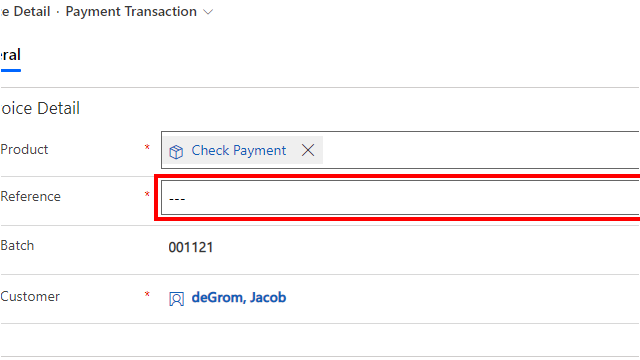
Enter reference number used on the original check payment
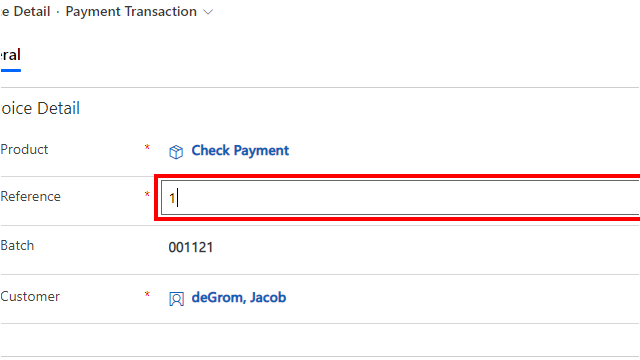
Click on the text field Payment
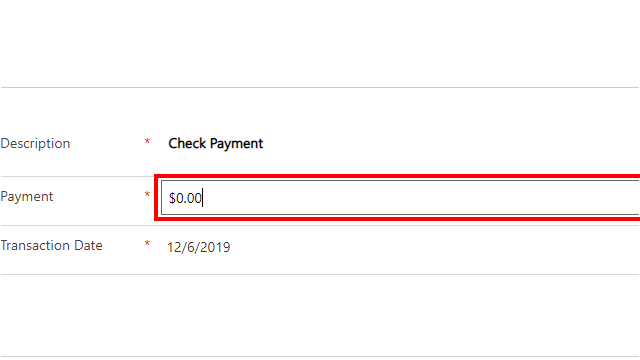
Change the amount displayed to the amount of the check payment you are reversing, entered as a negative amount.
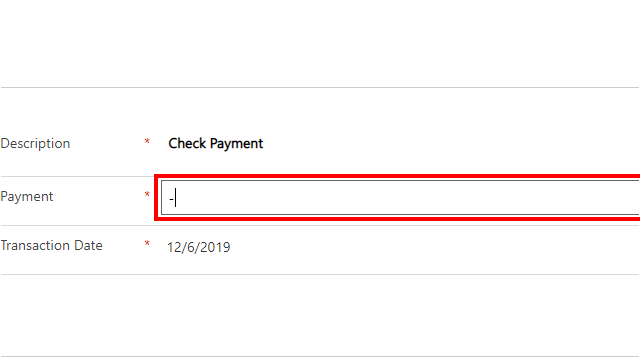
Enter the negative amount
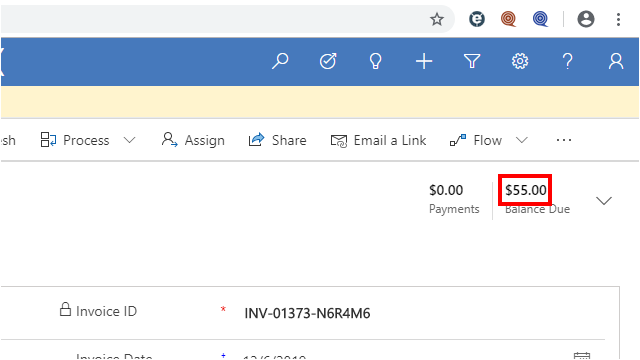
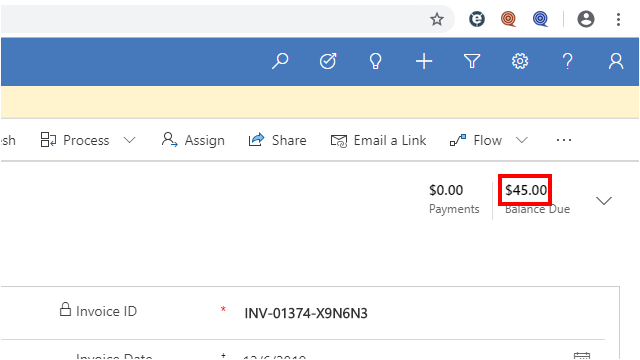
The balance due field will be updated based on the negative amount
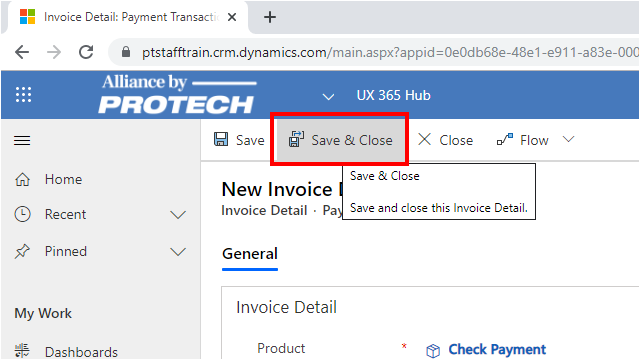
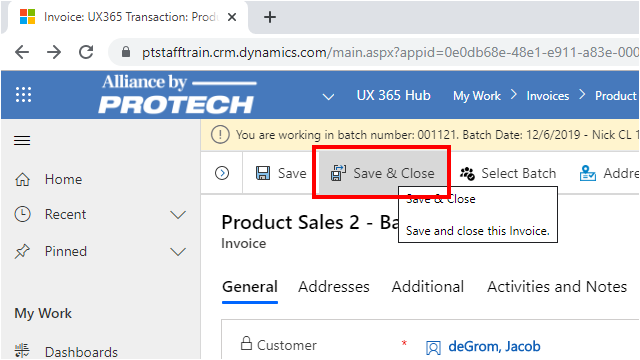
Click on the menu item Save & Close
1.4.2 Voiding a credit card payment
Overview: If there is an error on an invoice or a credit card payment transaction, you can void the payment transaction if the payment has not been processed for delayed capture. (If the payment has been processed for delayed capture, you must issue a credit. For more information, see Issuing a credit card refund.)
When you void a credit card payment, the system will automatically create entries that reverse the original transaction. You cannot partially void a credit card payment; the entire authorized transaction amount will be reversed.
If your system is configured for multiple accounting companies, when selecting the Void Payment button, UX will first validate that the accounting company of the user’s working batch matches the batch accounting company of the original credit card payment transaction. If the batch accounting companies do not match, UX will return an alert message directing you to select a different batch. If the batch accounting companies match, UX will continue with the Void Payment process described below.
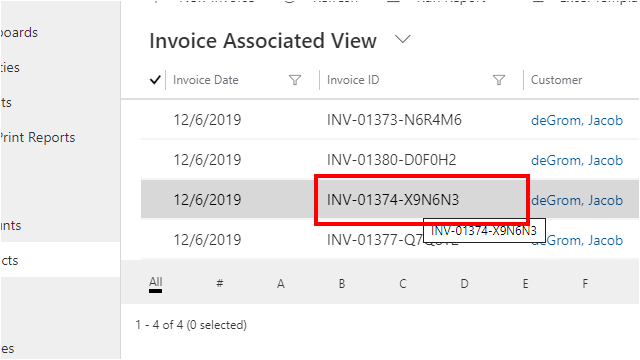
In order to cancel an invoice paid by credit card that was not processed by delayed capture, first, open the invoice
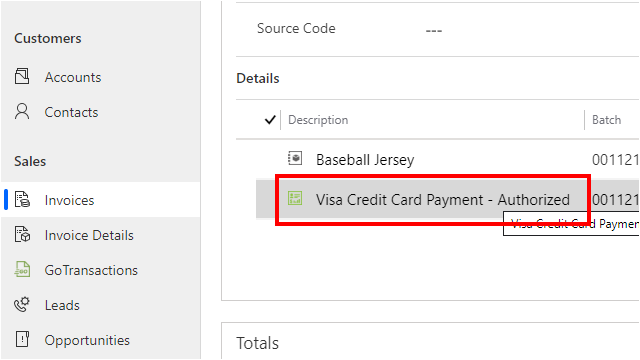
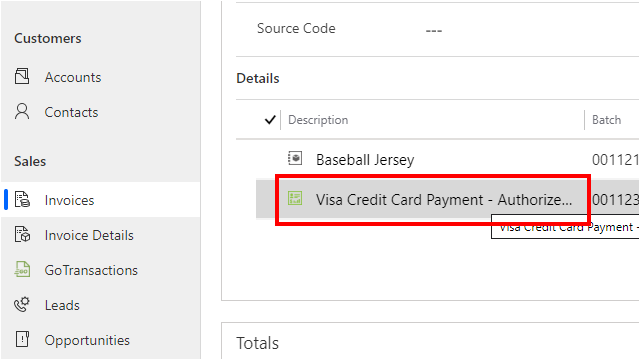
Click on the Credit Card payment detail record
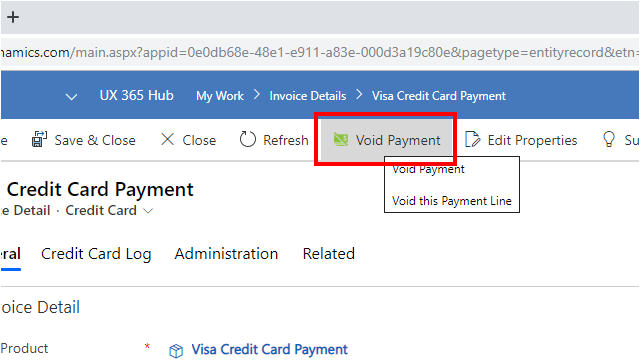
Click on the menu option, Void Payment
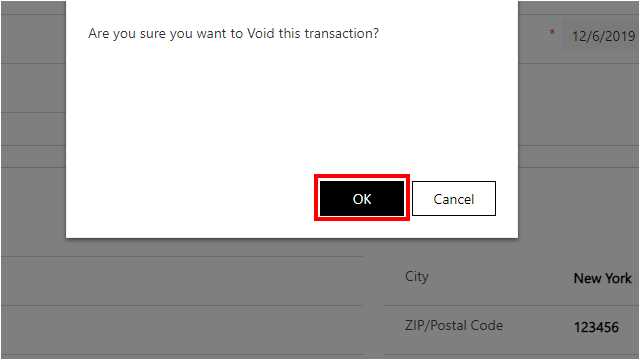
Click on the button OK to process the voided payment
The balance due field will be updated based on the voided amount
Because you cannot partially void a credit card payment, you cannot void a credit card payment where the authorized payment amount is distributed to multiple invoices. This includes RapidPay credit card payment distributions. It also includes credit card payments processed online that are distributed to more than one invoice. If Delayed Capture has not been run on the original batch, the Void Payment button will appear but selecting this option will return an alert that you cannot void a distributed credit card payment.
Click on the menu item Save & Close
1.4.3 Issuing a credit card refund
Overview: You can issue a refund to a customer by crediting their credit card account if the payment was made by credit card and the payment has been processed for delayed capture. For example, if you make a change to an invoice such as a meeting cancellation that results in a credit balance on the invoice, you can credit the customer’s card if they request it, rather than issue a refund check.
If your system is configured for multiple accounting companies, when selecting the Credit Payment button, UX will first validate that the accounting company of the user’s working batch matches the batch accounting company of the original credit card payment transaction. If the batch accounting companies do not match, UX will return an alert message directing you to select a different batch. If the batch accounting companies match, UX will continue with the Credit Payment process described below
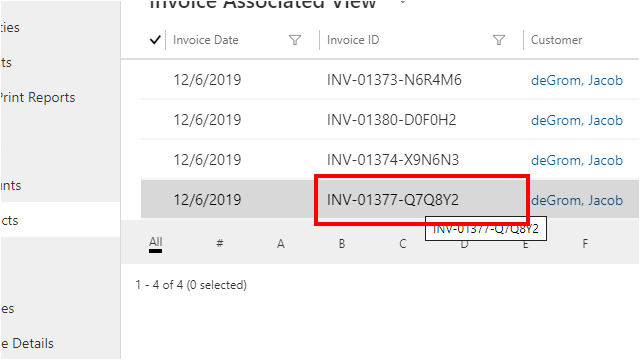
Open the Invoice
Click on the Credit Card payment line item
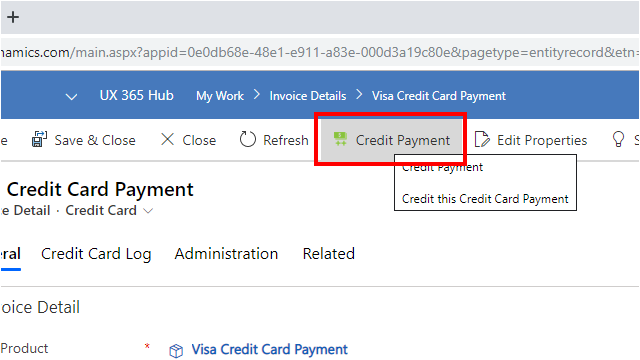
Click on the menu option, Credit Payment
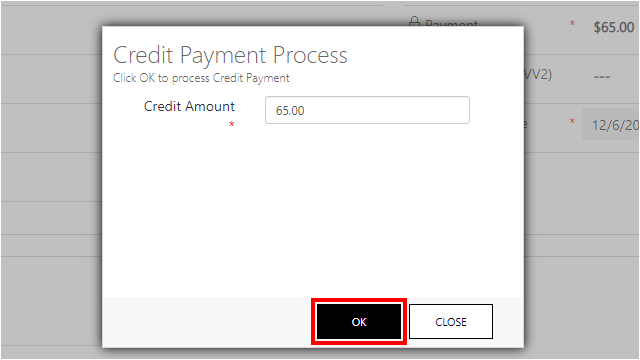
The credit amount will default to the original payment amount. You can change the amount to be credited here, or simply select OK, to complete the refund to the Credit Card
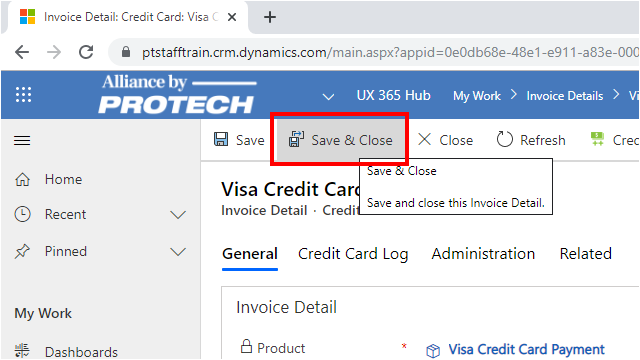
Click on the menu item Save & Close
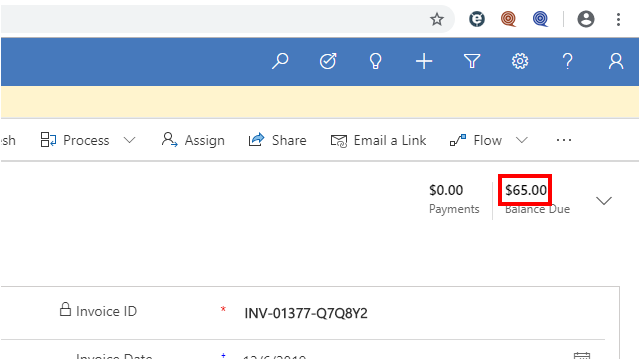
The balance due field will be updated based on the credited amount
Click on the menu item Save & Close